PostgreSQL in practice from the query plan to recovering from a crash.
A desktop app for learning PostgreSQL: 380+ lessons with exercises. Types and JSON, roles and triggers, locks, indexes and partitioning, VACUUM and backups. The server is in the app, and two connections run side by side on one database.
Windows + Linux PostgreSQL 17 included from $19 7-day refund
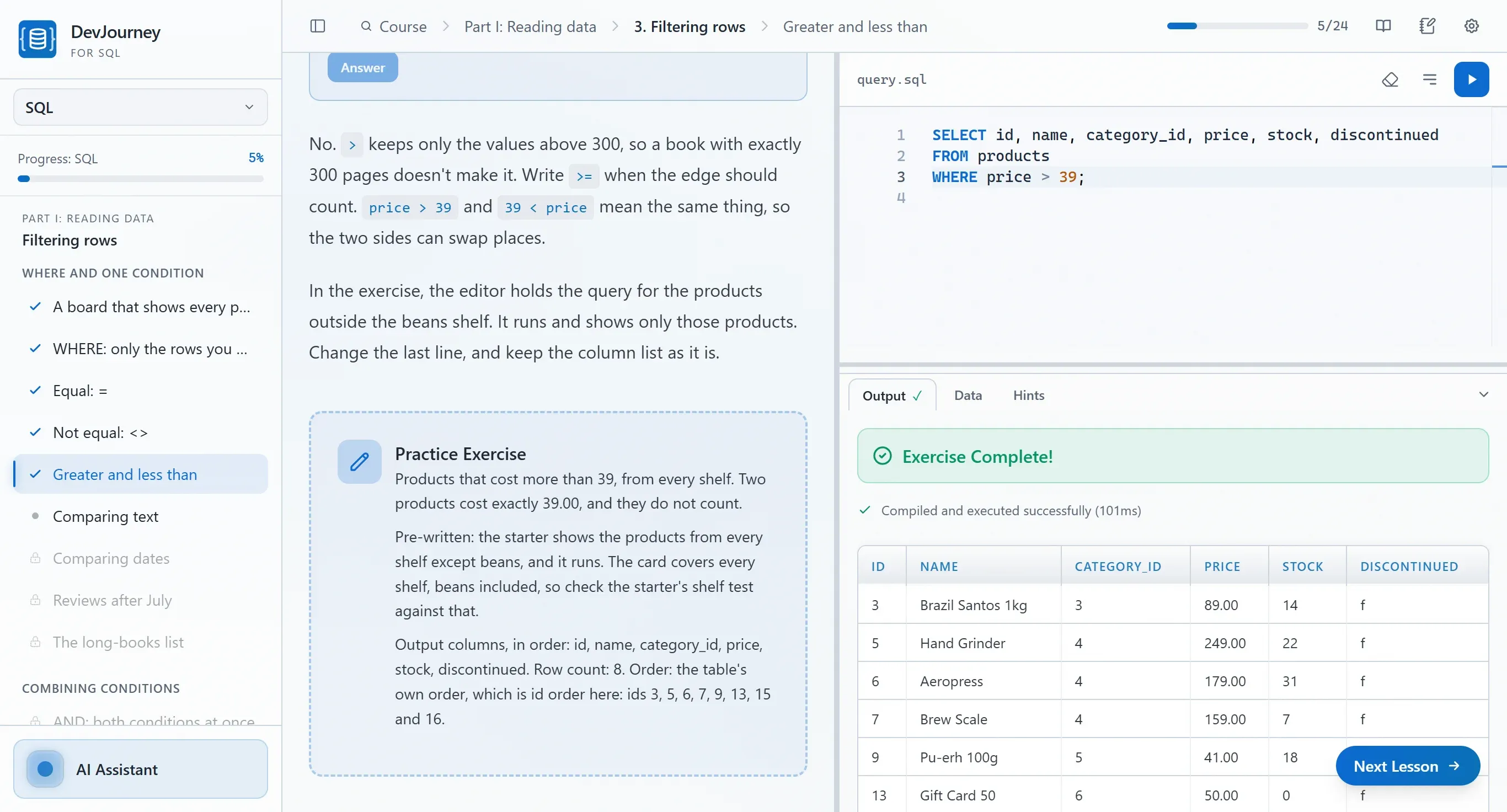
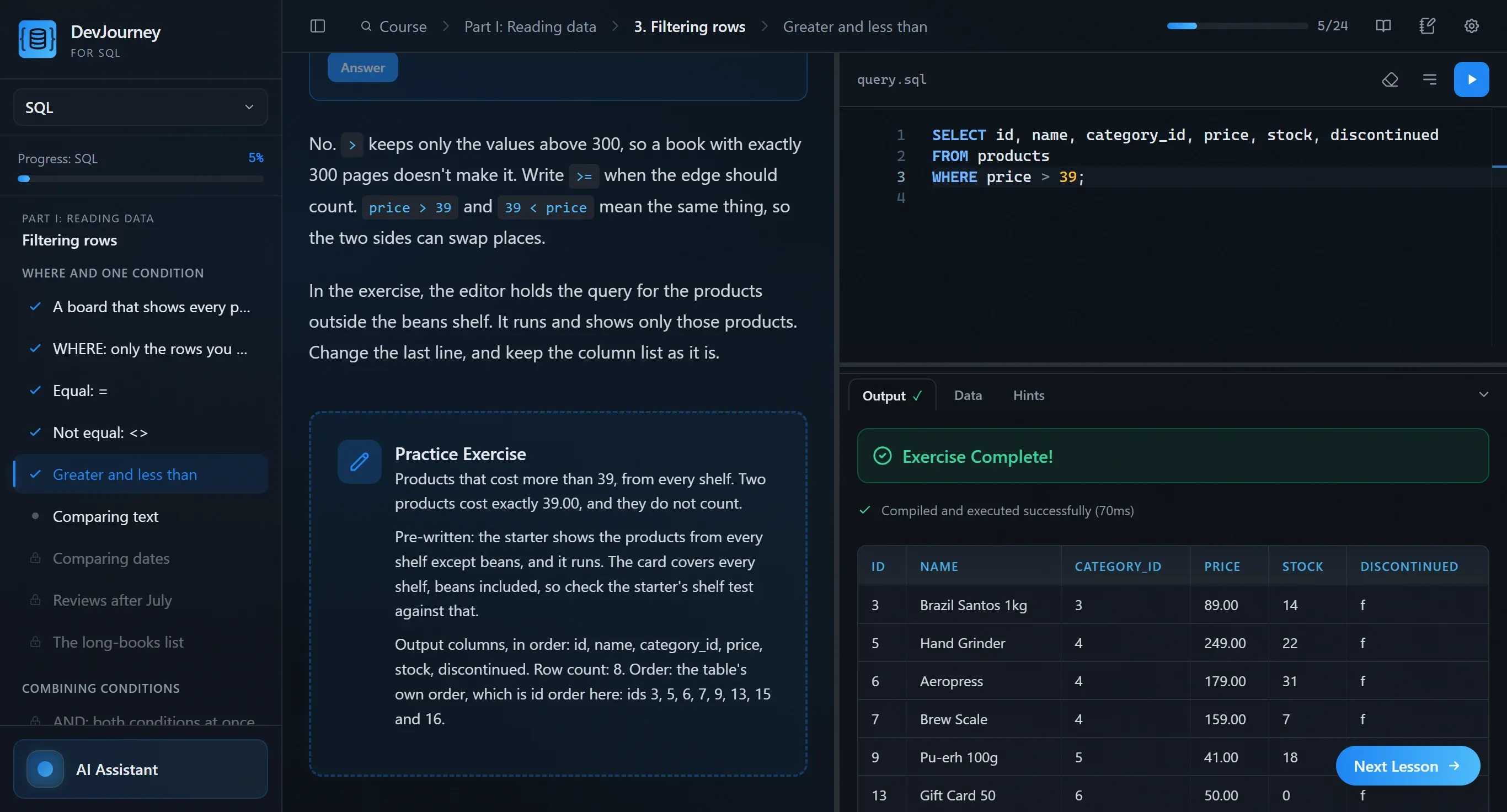
A minute with the app
Each product keeps its whole JSON document in one cell. One query with ->> pulls the weight out, and the result is a plain table, heaviest first.
Two transfers start at the same moment. Each locks the account the other needs, so PostgreSQL stops one of them. You change the order of the statements and both transfers go through.
EXPLAIN ANALYZE on a big table shows a Bitmap Heap Scan. After CREATE INDEX the plan uses the index.
Select the deadlock detected error in the lesson and ask the tutor what it means. The answer appears right in the lesson: why it happens and how to avoid it.
Who DevJourney is for
You don't need to know anything before the first lesson. The database ships inside the app, so you work on real data from your first query.
-
You're starting from zero
You run your first SELECT in the first lesson, on the PostgreSQL built into the app, with no install and no Docker. The AI tutor explains why a query doesn't work.
-
Career change
Analytics, QA, backend: SQL pays off in every one of those roles. The path goes from queries through joins and window functions to a project and interview tasks. Already know the basics? Start with the part that's new to you.
-
You're into tech and AI
AI will write a query, but you're the one who judges whether it's correct and fast. You don't have to go in order: jump straight to the PostgreSQL course, which shows what happens inside the database. Indexes, query plans, transactions and locks.
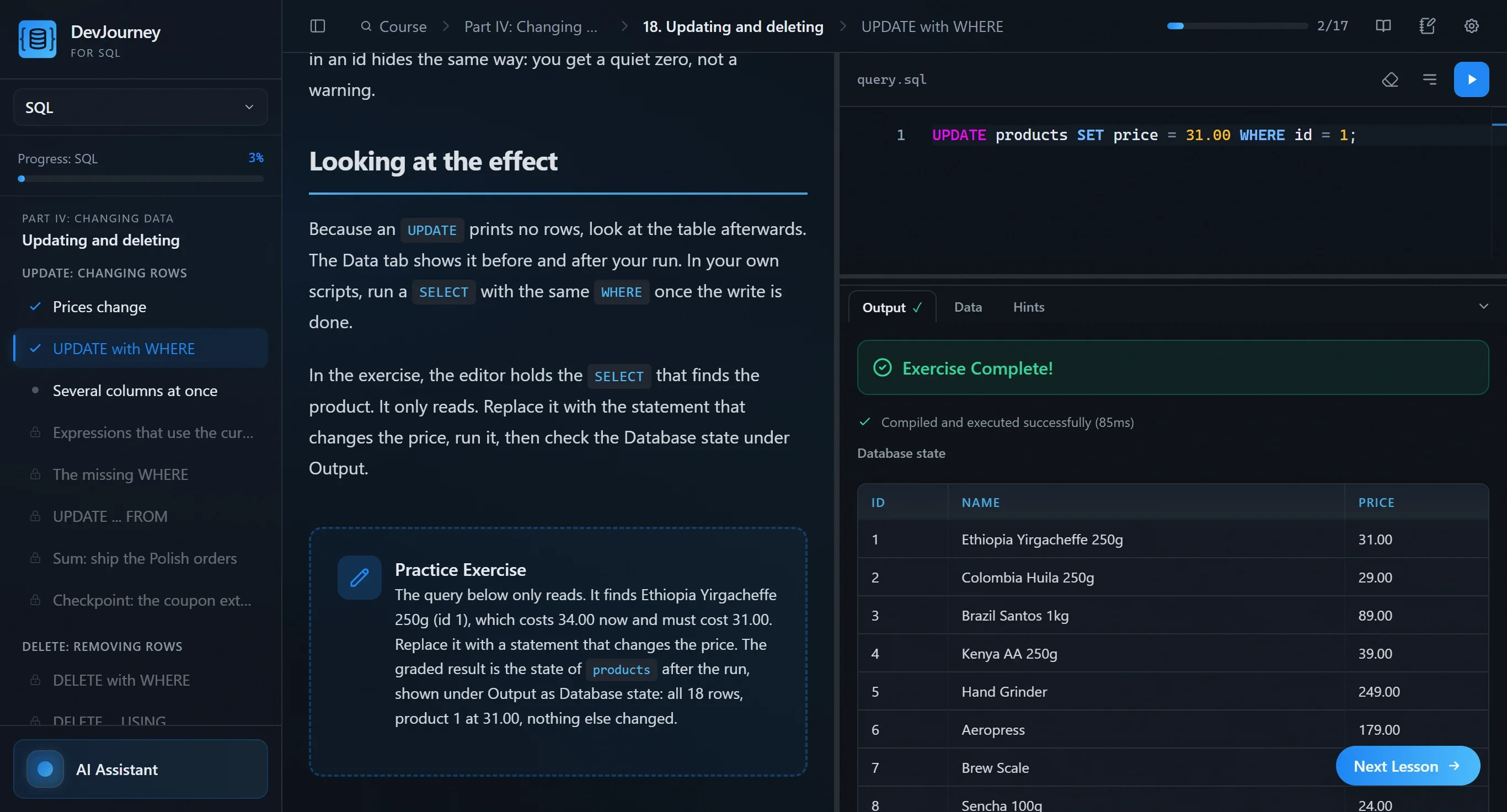
The PostgreSQL course: 380+ lessons
From types and JSON to running a server, with a bookings project on the way. The first few lessons of every part are free (15+ lessons). Open a part to see its chapters.
PostgreSQL
PostgreSQL
380+ lessons · 19 chapters
- The type system
- JSON and semi-structured data
- Full-text and fuzzy search
- The server model
- Roles, privileges and row-level security
- Functions, triggers and extensions
- Isolation and anomalies
- MVCC and locking
- Patterns for correct writes
- Indexes
- Reading the planner
- Writing faster queries
- Partitioning and large tables
- VACUUM, bloat and statistics
- Migrations in production
- Backups, replication and recovery
- Monitoring and diagnosing
- The bookings platformproject
- Interview drills: PostgreSQL
Certificate: Parts I–VI. Part VII, interview drills, is a bonus.
Buy one course or both as a bundle
You pay once, with no subscription. Each course ends with a certificate, both SQL courses you buy go on one key, and the bundle costs less than the two courses separately. Other DevJourney apps have their own keys.
-
SQL
From your first SELECT to schemas and window functions
640+ lessons 34 chapters
$ 29
- Joins, aggregates, subqueries and CTEs
- Changing data, tables, keys and normalisation
- Window functions, recursion and a project
-
PostgreSQL
The server, concurrency, performance and operations
380+ lessons 19 chapters
$ 19
- JSON, arrays, ranges and full-text search
- Transactions, locks, indexes and query plans
- VACUUM, backups and the bookings project
-
Best value
SQL + PostgreSQL
Both courses in one app
1000+ lessons 53 chapters
Bought separately: $48Bundle price: $ 39
$9 less than separately
- The whole SQL course
- The whole PostgreSQL course
- Two certificates and free updates to both
In every course
- PostgreSQL 17 and the datasets included
- The Data tab, two connections at once and visualizers
- AI tutor: Claude Code or Codex CLI
- Lessons in Polish and English
7-day refund · free updates to the courses you bought: new lessons and fixes
Already own one course? Buy the other with the same email address, here or in the portal, and it goes on the same key. Go to the portal
Or download the app first